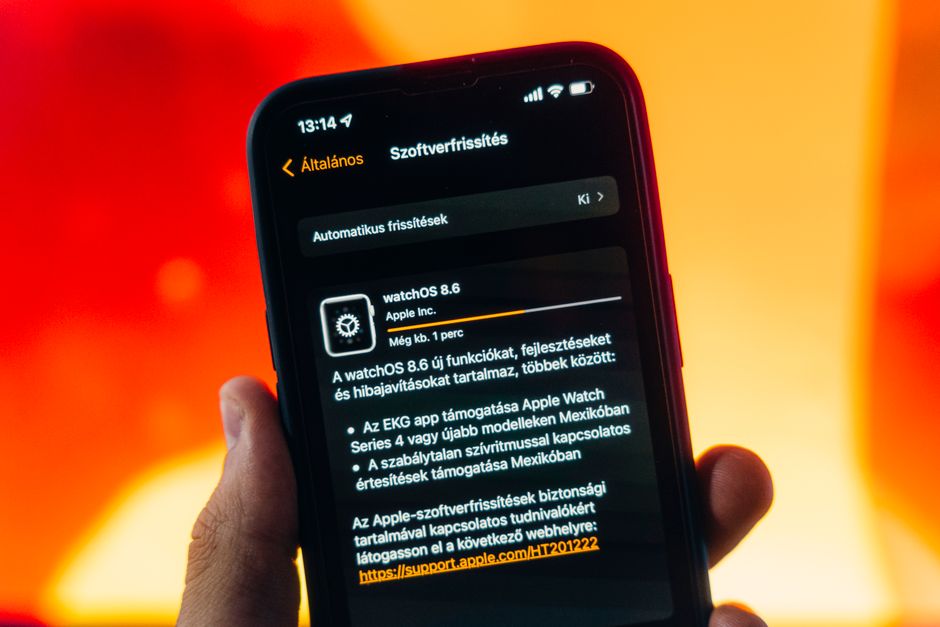
Apple has just released iOS 26.6 and iPadOS 26.6, and this update deserves your immediate attention. The iOS 26.6 security update packs a staggering 78 individual security fixes, making it one of the most significant maintenance releases Apple has shipped in recent memory. If you own a compatible iPhone or iPad, you should install this update as soon as possible.
This isn’t a flashy update full of new features. It’s a critical patch designed to close security gaps before bad actors can exploit them. Apple rolled it out to all supported iPhone and iPad models, and the company is urging users to update without delay.
Here’s what’s actually inside the update, why it matters so much, and how to get it installed on your device in just a few minutes.
Apple Releases iOS 26.6 and iPadOS 26.6: Here’s What You Need to Know
This release is squarely focused on security. With 78 separate patches bundled into a single update, iOS 26.6 addresses more vulnerabilities than most typical point releases. Apple pushed the update simultaneously to iPhone and iPad, keeping both platforms aligned on the same security baseline.
Think of this as essential maintenance rather than a feature drop. Apple didn’t add flashy new tools or redesign the interface. Instead, engineers spent this release cycle hunting down and fixing weaknesses across the operating system, from the kernel to Safari to how apps handle permissions.
Every iPhone and iPad still receiving software support from Apple is eligible for this update. If your device has shown you a notification about it, that’s your cue to act now rather than later.
78 Security Fixes: Why This Update Matters
Seventy-eight patches in one update is a lot, even by Apple’s standards. This tells you two things: the scope of vulnerabilities found was broad, and Apple considered them serious enough to bundle into an urgent release.
Apple typically doesn’t disclose full technical details about each vulnerability until enough users have updated. This isn’t secrecy for its own sake. It’s a deliberate safety measure. Publishing exploit details too early would hand a roadmap to attackers before most people have protected themselves.
What we do know is that security updates like this one often address issues that could allow unauthorized access to your data, enable malicious apps to escape their sandboxes, or let attackers exploit flaws in how the system processes certain files or web content. Some vulnerabilities patched in major security rollouts have previously been linked to active, real-world exploitation.
This is exactly why security experts, including Apple itself, consistently recommend installing these updates immediately rather than waiting. A delay of even a few days can leave your device exposed to threats that are already being used against unpatched phones and tablets.
Ignoring security updates doesn’t just risk your own data. It can also expose your contacts, photos, and financial information stored across connected apps and services.
How to Install iOS 26.6 and iPadOS 26.6 Right Now
Installing this update takes just a few minutes, and Apple has made the process simple.
Your device will restart once the installation completes. Make sure it’s plugged into power and connected to Wi-Fi before you begin, since this speeds up the download and prevents interruptions.
Turn On Automatic Updates
If you’d rather not think about this in the future, enable automatic updates. Go to Settings > General > Software Update > Automatic Updates, then toggle on both “Download iOS Updates” and “Install iOS Updates.” Your device will then handle future security patches overnight without any action from you.
Check Storage and Back Up First
Before updating, confirm you have enough free storage. iOS and iPadOS updates typically require a few gigabytes of temporary space to complete the installation. If your device is nearly full, delete unused apps, photos, or videos first.
It’s also smart to back up your device before any major software update. Use iCloud or connect to a computer for a local backup. This gives you a safety net in the rare case something goes wrong during installation.
Beyond Security: Performance Improvements in 2026
While security is the headline here, iOS 26.6 and iPadOS 26.6 also include some quieter improvements. Apple has optimized the Spotlight search index, making searches faster and more accurate across your apps, messages, and files.
This isn’t just a minor tweak. It’s groundwork for iOS 27, Apple’s next major software release expected later this year. By refining how Spotlight indexes and retrieves information now, Apple is setting the stage for deeper search capabilities and smarter on-device intelligence features coming with the next big update.
Users may also notice small improvements in general system stability. Apps should feel slightly snappier, and some users have reported modest battery efficiency gains after updating, though your experience may vary depending on your specific device and usage habits.
None of these changes are dramatic on their own, but together they show Apple using a security release to also fine-tune the experience ahead of a bigger leap forward.
Which Devices Support iOS 26.6 and iPadOS 26.6?
Apple has made this update broadly available across its current lineup of supported devices. Generally, iOS updates like this one support:
- Recent iPhone models going back several generations, including current and previous-generation iPhone SE models
- iPad Pro, iPad Air, iPad, and iPad mini models still under active software support
If your device has received iOS or iPadOS updates over the past couple of years, it’s almost certainly eligible for iOS 26.6 as well. To check, simply visit the Software Update screen in Settings. If the update appears there, your device supports it.
Older devices that have already been dropped from previous major iOS releases won’t receive this update. Apple typically ends software support for a device after five to seven years, once hardware limitations make it impractical to run newer operating systems securely and efficiently. If your device no longer appears eligible, it’s a sign you may want to consider upgrading, especially since it also means you’re no longer receiving critical security patches like these 78 fixes.
Common Installation Issues and Troubleshooting
Most updates install without a hitch, but a few common problems can pop up.
Not enough storage: If your device says there isn’t enough space, delete large apps, offload photos to iCloud, or clear out old downloads and try again.
Unstable Wi-Fi: A weak or dropped connection can stall the download. Move closer to your router, restart it if needed, or try a different network.
Update stuck or frozen: If the progress bar seems frozen for an unusually long time, don’t panic. Hold tight for at least 15-20 minutes, since some installations take longer than expected. If it truly hangs, force restart your device (the exact method varies by model) and try the update again.
Update fails to install: If you get an error message, restart your device first, then retry the update. If it continues to fail, connect your device to a computer and update through Finder or iTunes instead.
Is iOS 26.6 Stable? What Users Should Expect
Security-focused updates like this one are typically very stable. Because the focus is on patching vulnerabilities rather than introducing new features, there’s less code changing overall, which generally means fewer chances for new bugs to appear.
That said, no update is entirely risk-free. Some users occasionally report minor issues, like temporary battery drain in the first day or two after updating, as the device reindexes files and settles into the new software. This is normal and typically resolves within a day.
Given the severity and volume of security fixes in this release, there’s little reason to wait. Unlike optional feature updates, this is the kind of release you install immediately rather than holding off for a follow-up patch.
Looking Ahead: iOS 27 and Future Security Updates
iOS 26.6 serves as a bridge between the current software generation and what’s coming next. With Spotlight optimizations already rolling out, Apple is clearly preparing the groundwork for iOS 27, expected to bring more significant feature changes later this year.
Apple’s pattern is consistent: security updates arrive as needed, often monthly or more frequently, while major feature updates land annually each fall. Expect more incremental security patches between now and the iOS 27 launch as Apple continues to monitor for new vulnerabilities.
This steady drumbeat of updates is part of why iPhones and iPads remain some of the most secure consumer devices available. Staying current with each release, especially security-focused ones like iOS 26.6, is the simplest and most effective way to keep your personal data protected.
For more details on managing software updates, you can visit Apple’s support site directly.
Frequently Asked Questions
How long does iOS 26.6 take to install?
Most installations take between 15 and 30 minutes, depending on your device model and internet speed. Downloading over Wi-Fi with your device plugged into power will help the process go faster.
Will iOS 26.6 slow down my iPhone or iPad?
No, security-focused updates like this one typically don’t slow down your device. You may notice brief battery drain in the first day as the system reindexes files, but this resolves quickly.
What happens if I don’t install the 78 security patches?
Skipping this update leaves your device exposed to known vulnerabilities that attackers could potentially exploit. Since some flaws patched in major security releases have been actively exploited in the past, delaying the update increases your risk.
Can I downgrade from iOS 26.6 to an earlier version?
Apple generally stops signing older iOS versions shortly after a new update releases, which makes downgrading difficult or impossible. It’s also not recommended, since older versions lack the security protections included in iOS 26.6.
Do I need WiFi to download iOS 26.6?
You can download smaller updates over cellular data, but larger updates like this one may require Wi-Fi depending on your carrier settings and device storage. Wi-Fi is recommended for a faster, more reliable download.
Is it safe to install iOS 26.6 immediately or should I wait?
It’s safe and strongly recommended to install iOS 26.6 right away. Given the scope of the 78 security fixes included, waiting only extends the window during which your device remains vulnerable.