
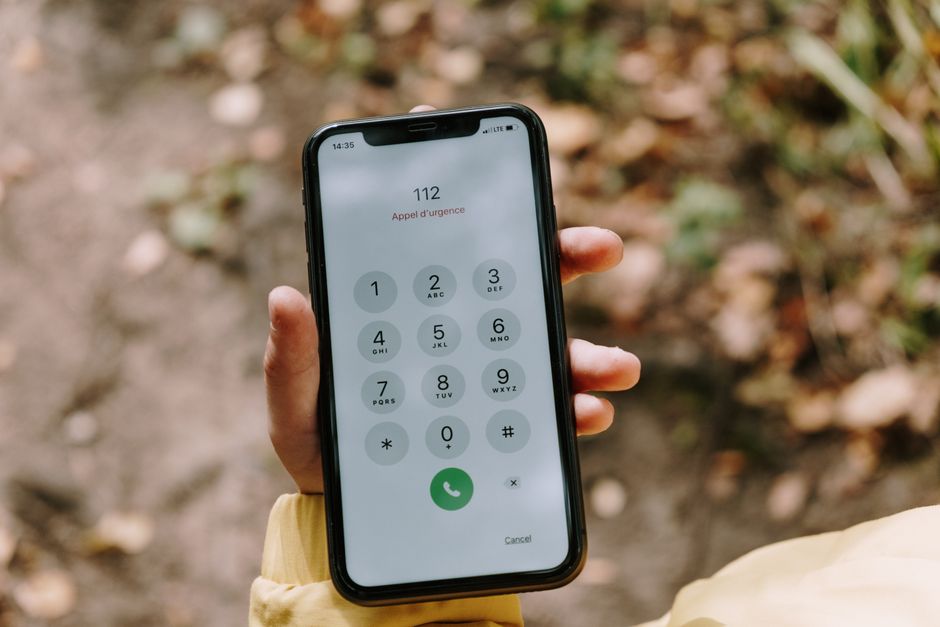
If your T-Mobile phone suddenly shows “SOS” instead of bars, you’re not imagining things and you’re not alone. A widespread T-Mobile outage in 2026 knocked out cellular service for thousands of customers across multiple regions, pushing affected phones into emergency-only SOS mode. Calls dropped, texts failed to send, and mobile data simply stopped working for a large chunk of the network.
This guide breaks down what caused the outage, how to check if it’s still affecting your area, and what you can actually do right now to stay reachable while T-Mobile works on a fix.
T-Mobile’s 2026 Nationwide Outage: What We Know
Reports of dropped service started flooding in from customers in major metro areas before spreading to other parts of the country. Outage tracking sites saw a sharp spike in complaints within a short window, a telltale sign of a network-wide problem rather than an isolated tower issue.
The scope varied by region. Some users lost data but kept voice and text. Others saw their phones drop to SOS entirely, meaning no calls, no texts, and no data through T-Mobile’s network at all. That inconsistency is common in large carrier outages, since network failures often cascade unevenly depending on which routing infrastructure or data centers are involved.
T-Mobile acknowledged the disruption through its official channels and social media support accounts, confirming engineers were investigating and working to restore full service. As is typical with large-scale telecom outages, the company was initially cautious about naming a root cause, pointing only to a “network issue” while its technical teams diagnosed the problem. Carriers often wait until an outage is fully resolved before publishing a detailed explanation, partly because the picture can change as engineers dig deeper.
Duration matters most to affected customers, and it varied. Some users saw service return within a couple of hours. Others dealt with intermittent SOS mode for much longer as T-Mobile rolled out fixes region by region rather than all at once.
Why Your Phone Switched to SOS Mode
SOS mode appears when your phone can’t detect your home carrier’s network but can still reach another carrier’s tower for emergency calls only. It’s a built-in safety feature on both iPhones and Android devices, designed so you can still dial 911 even without normal service.
Here’s the key difference: normal cellular service lets you make calls, send texts, and use data through your own carrier’s network. SOS mode strips all of that down to one function, emergency calling, routed through whatever compatible tower is nearby, regardless of carrier.
SOS still works during a T-Mobile outage because emergency call routing doesn’t require an active account with the network you’re borrowing signal from. Phones are built to prioritize 911 access above all else, using any available signal as a bridge. That’s why you might see “SOS” even in an area with generally solid coverage.
During a nationwide carrier failure, this behavior spreads across huge swaths of a coverage map at once. Your phone isn’t broken. It’s doing exactly what it’s designed to do when it can’t authenticate with your regular network.
Is the Outage Still Affecting You? How to Check
Before assuming your device has a hardware problem, confirm whether it’s a broader T-Mobile outage. A few quick checks can settle that in minutes.
- DownDetector: This site aggregates user-submitted outage reports in real time. A sudden spike in reports for T-Mobile is a strong signal you’re dealing with a network-wide issue, not a local one.
- T-Mobile’s official status page: T-Mobile publishes service alerts and outage updates through its support channels and social media accounts, including specifics on which regions are affected.
- Ask around: If friends or family on T-Mobile in your area are also seeing SOS, that confirms it’s not just your phone.
During the 2026 incident, outage reports clustered heavily in certain metro areas before spreading, so checking regional patterns on tracking sites can tell you whether your specific location is likely to see a fix soon or is still in the thick of it.
Immediate Workarounds to Stay Connected
You don’t have to sit in radio silence while T-Mobile sorts out its network. A few workarounds can keep you reachable.
These aren’t permanent fixes, but they keep you from being completely cut off during a multi-hour outage.
What to Do If You Can’t Make Calls or Send Texts
Before you conclude it’s a full outage, run through some basic troubleshooting. Sometimes the problem is smaller and fixable on your end.
If none of that resolves it and outage trackers confirm widespread reports, the issue is almost certainly on T-Mobile’s end. In that case, contacting support won’t speed up a fix, but it can help you get accurate information about expected restoration times in your area. It’s usually smarter to wait for official updates than to spend an hour on hold during a known network-wide event.
Protecting Yourself During Future Outages
Outages happen to every major carrier eventually, so it’s worth setting yourself up now rather than scrambling later.
- Enable WiFi calling ahead of time. Don’t wait for an outage to discover the setting. Turn it on today so it’s ready when you need it.
- Download a backup messaging app. Having at least one internet-based calling and texting app installed means you’re not starting from zero when cellular service drops.
- Confirm your emergency contacts and medical ID are set up. Many phones let you configure emergency information accessible even from a locked screen, which matters most when you’re relying on SOS mode.
- Bookmark carrier status resources. Knowing where to check for real-time updates saves time and frustration when service drops unexpectedly.
A little preparation turns a stressful outage into a minor inconvenience.
T-Mobile’s Response and Customer Compensation
T-Mobile addressed the 2026 outage through customer support channels and public statements, acknowledging the disruption and confirming teams were actively restoring service. Carriers typically avoid over-promising exact restoration windows during active incidents, since network repairs can involve multiple layered fixes across different regions.
Whether affected customers receive service credits often depends on the severity and duration of the outage, along with how loudly customers advocate for themselves. Carriers have, in past incidents, issued bill credits to affected accounts as goodwill gestures, though this isn’t always automatic. If you experienced extended downtime, it’s worth contacting T-Mobile support directly to ask about a credit rather than assuming one will appear on your bill.
The general industry approach to outage compensation still varies widely, since there’s no strict federal mandate requiring carriers to pay customers for downtime. Filing a claim usually just means reaching out to customer service, explaining the impact (missed calls, lost work time, inability to reach family), and requesting a credit. Persistence and documentation, like screenshots of outage tracker reports timestamped during your service loss, can help make your case.
If you’re frustrated enough to consider switching carriers, it’s worth remembering that every major network has experienced its own outages in recent years. A single incident, even a disruptive one, isn’t necessarily a reliable predictor of future reliability. Comparing coverage maps for your specific area and reading recent outage history for any carrier you’re considering will tell you more than one bad day ever could.
Frequently Asked Questions
Why did my T-Mobile phone go into SOS mode?
Your phone switches to SOS mode when it can’t connect to T-Mobile’s network but detects another carrier’s signal strong enough for emergency calls only. During the 2026 outage, this happened because T-Mobile’s own network was down, forcing phones to fall back to emergency-only mode. It’s a safety feature, not a sign your device is broken.
Can I make emergency calls in SOS mode during an outage?
Yes. SOS mode is specifically designed to let you dial emergency services even without active service from your own carrier. Your phone borrows signal from any available tower to complete the call, regardless of which carrier operates it.
How long do nationwide cell outages typically last?
Duration varies widely, from under an hour to most of a day, depending on the root cause. Outages caused by software or routing issues often resolve faster than those involving physical infrastructure damage, and carriers typically restore service in phases rather than all at once.
Will T-Mobile give me a credit for the outage?
It depends on the outage’s severity and whether you request one. Credits aren’t always automatic, so if you experienced significant downtime, contact T-Mobile support directly and ask about compensation for the disruption.
Should I switch carriers after a major outage?
Not necessarily. Every major carrier has experienced outages at some point, so one incident doesn’t guarantee future problems. Compare coverage maps and recent outage history for your specific area before deciding whether switching actually makes sense.







