
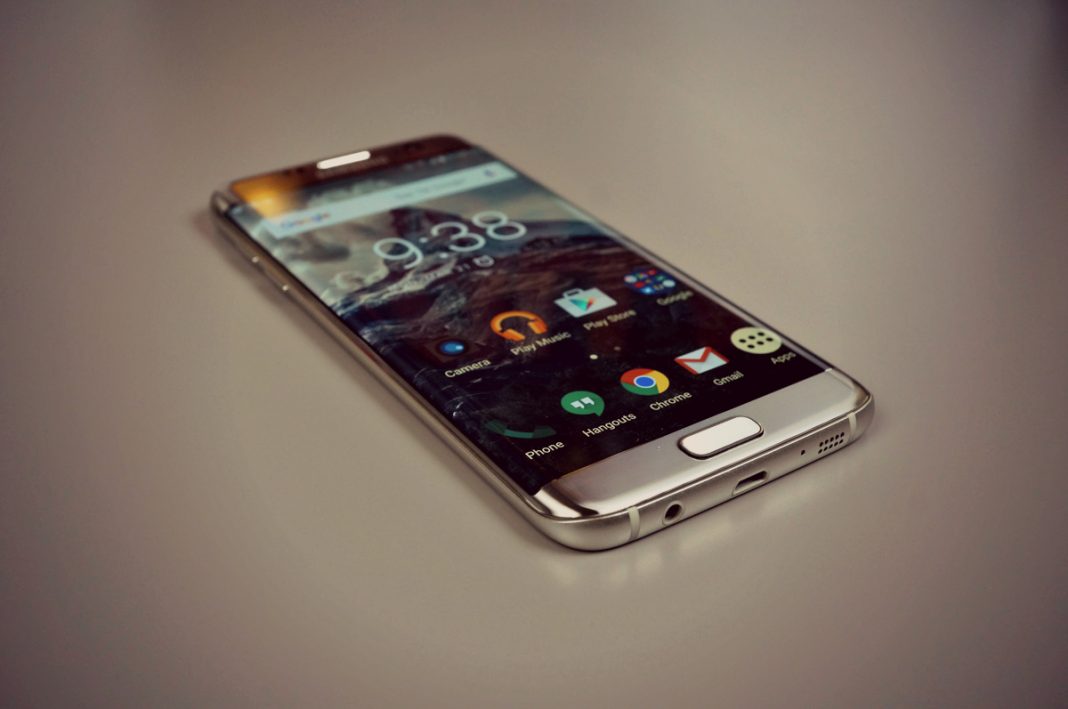
Samsung Galaxy S7 Edge is one of the most beautiful and powerful smartphone of this year. It is stylish and has everything that it takes to be an amazing phone. It has perfect body curves along with the processing power of a beast. It used to be on the wishlist of every Android lover. Those who have already bought it are very contented with it. Some of the users have reported some issues and one of the most common issues is Galaxy S7 edge Microphone problems.
Galaxy S7 Edge was released when Samsung was in dire need of a phone that can make the left out customers something to look forward to. Release of Galaxy S7 and S7 Edge was good enough for them and users take pride in owning one. Over the use of phone, some people have reported issues related to the microphone of S7 edge and Galaxy S7. While looking into this problem, I figured out some of the potential solutions. I am very hopeful these solutions will help you to fix Galaxy S7 Edge microphone problems.
Many users have reported that the person on the receiving end of a call is receiving very low audio, that makes the speech of another person barely comprehensible. While using the speaker or Bluetooth the voice is clear but while using the earpiece to communicate the audio reaching the other end of the call is very low.
The solution of Samsung Galaxy S7 Edge Microphone problems:
Following are some methods that are helpful to deal with this microphone problem of the S7 edge. These solutions are handy and you can fix your phone yourself instead of taking it to some phone repairing shop or you won’t even have to get into the hassle of claiming the warranty of your phone.
Mostly the problem isn’t hardware related. If everything fails and you’re certain that there is some problem with your phone then you can claim warranty or take it to repair shop. First, try the following simple solution or you may call it simple fixes that will take just around 10 minutes of your time. It will most probably solve Galaxy S7 microphone problem.
- First of all, make sure that the microphone port of your phone is not blocked. Use a flashlight to see if there is something inside it. Use a sharp thin needle to take it out. and then use a blower to blow the dirt away. This is the most common problem. the microphone port is blocked by dirt or something that hinders the transfer of audio from the microphone.
See the picture below. The microphone of Samsung Galaxy S7 is located next to the speaker of the phone, the larger holes are of the speaker and the tiny one right next to charging port is a microphone. you need to clean it if there’s something blocking the path.

Note: There are two microphones present in S7 Edge. The secondary microphone is for noise cancelling. So you just need to clean the primary microphone which is present next to the charging port of the phone.
- Turn off “Advanced LTE Services” in the “Mobile Data” tab. This will fix the loss of voice during phone calls.
- Although this is not a full fix of the Galaxy S7 edge microphone problems, it can surely help to deliver better quality audio to the other end of the call.
- Make sure your little finger is not covering the microphone. It’s a common problem for left-handers. When you’re attending call sometimes the little finger covers the microphone that’s why the person on the other end can’t hear you properly over the call.
Factory Reset Galaxy S7:
Most probably the issue is not hardware. It can be a software glitch. which can be solved by a factory reset. If you have tried all the above solutions and still the issue is not resolved then you should go for Factory Reset.
Make sure you back up all of your data before performing a factory reset as it wipes all of the data present in the internal storage of your phone. It will also delete contacts and messages. Use this guide to backup Samsung phones.
- If you don’t know how to factory reset then follow the steps below after making a backup of your phone:
- Turn off your Samsung Galaxy S7 Edge.
- Press Volume Up, Home button and Power Button. All at once. Leave the buttons when you see Android figure.
- Now use volume buttons to navigate. Go to Wipe data/Factory reset.
- Select it using the power button.
- Now go to Yes Delete all user data and select it using the power button.
- Wait for 5 Minutes.
- Now select the option Reboot System Now.
That is all I have got on Samsung Galaxy S7 Edge Microphone problems and its solutions. If you have any query or issue regarding the solutions above. Let me know in the comments. I will help you guys out. If you have any other solution that you want to recommend us. Do enlighten us. Also, give us feedback if this guide worked out for you.












On the galaxy s7 there is no “additional settings” this path is incorrect Phone icon -> Keypad -> Menu Button -> Settings -> Call Settings -> Additional Settings -> Noise Reduction -> Unchecked. There is no noise reduction option.? There is only more settings selection thanks
On the Galaxy S7 Edge there is not ” Phone icon -> Keypad -> Menu Button -> Settings -> Call Settings -> Additional Settings -> Noise Reduction”.
There is another way to disable noise reduction ?
Thanks
I have the same issues that everyone else about the noise reduction. Where is it located in the settings?
And one mystery why is it only the left way encountering that phenomenon?
I found that
“here are two microphones present in S7 Edge. The secondary microphone is for noise cancelling.”
at https://itechify.com/2016/05/17/galax…lems-solution/
So it could explain why the sound is muted in the left way
Another question is S7’s bottom mic dual recording= stereo ? Or top and bottom one’s are used for stero recordings?
I have been trying to figure out this problem for weeks now. Luckily I dont have friends…. or a life so I dont have to make or receive many calls but I have lost Dr appointments because of this issue. What I want to know is how can every S7 Edge user all have dirty microphones and from what I have gathered, they all start acting up around the same time too… a little after 2 months old. It just seems crazy to me that we would all have dirty microphones… there are hundreds having this problem. Im taking my phone in tomorrow (as soon as I get an SD card to be safe). Phone has also been acting weird in other ways as well. Cant hang up calls because random apps pop up that I cant get rid of. I have to switch between WIFI and data to get things to load… its frustrating. Its a new phone..m THE BEST OUT THERE (lol) and I payed WAY too much money to already be having these problems. Ugh
I have gone through 3 of these phones and every single one had this issue, it’s bad enough being on hold with some company but then they come on the line and can’t hear me, they hang up, and I have to start the process again.. I am done with Samsung…
My Samsung Galaxy S7 the microphone has a static noise that the person on the receiving end of the call gets. When using Facebook messeneger, I have reinstalled and restarted.
I wish I knew speakerphone doesn’t work before I spent so much money. Samsung blows as bad as Apple!
None of the blog helps whatsoever, just get an LG….
For me cleaning up mic holes with a needle helped. Thanks!
I to have this issue my s7 is two months old and the microphone has stopped working on all calls, yet video playback has sound and calls using the speaker work too.
Correct me if I’m wrong but do they not share the same microphone, how is this possible?
Hi Jay , there are two mics, so it could explain , there an appli for voice/sound recording free for test , which is allowing to choose which microphone to use for recording check that for dont remeber its name
yes it’s “Hi-Q MP3 Rec”
Samsung Galaxy S7 32GB SM-G930V (Marshmallow) audio and microphone problems (brand new out of the box)
Just bought this devise to replace my iPhone 5s.
Out of the box and in the first call I made they couldn’t hear me… I said ok… “it’s new I have to set it up” so I start looking around the settings. Sometime later it stopped doing it so I finished setting it up, putted my favorite apps, transferred all my photos and contacts from my iPhone (hopefully I created a total iTunes backup before resetting to factory defaults).
The problem is:
When I make a call I can’t here (no sound at all from the other side) unless I put it on “speaker mode”. At the same time and with the speaker mode off when I press the “extra volume” button it popups “Unable to use extra volume range while earphones are connected”…WITHOUT having the earphones CONNECTED.
To test it I used Samsung Voice Recorder. When I open the application, a popup at the bottom is saying: “External microphone will be used to record audio” …WITHOUT having the earphones connected again.
When I press the record button another popup appears “Recording with external audio”…WITHOUT having the earphones connected again.
When I connect the earphone jack I listen & record nicely
Sometimes popups a “The location fd://24 cannot be played as it shown to the video i’ve made
It’s like always for some reason believes that the earphone jack is connected. Rarely works ok for some seconds but it stops pretty soon…
I made a video with the problems. Sorry for the camera angles… I’m not a pro…
https://www.youtube.com/watch?v=YBHfOGN2eiY
Anybody knows if it’s a software problem/bug that can be fixed or it’s hardware?