You hand your phone to your kid so they can watch a video, and your stomach drops the second you remember your banking app is one tap away from the home screen. Or maybe your partner asks to borrow your phone to check a map, and suddenly you’re hyper-aware of every notification that might pop up. This tiny moment of dread is universal, and it turns out Samsung has quietly built one of the best fixes for it.
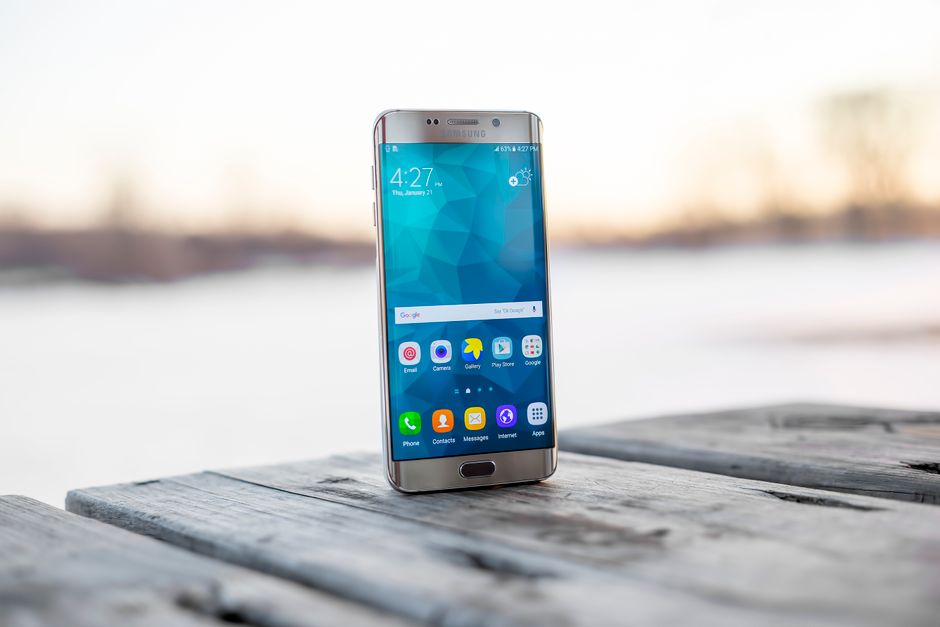
The Samsung phone sharing feature, built around Secure Folder and Samsung Knox, lets you hand your Galaxy phone to nearly anyone without exposing your messages, photos, banking apps, or browsing history. It works by creating a genuinely separate, encrypted space on your device that keeps your personal data walled off from whoever is holding the phone. No juggling apps, no last-second hiding of notifications, no anxiety.
If you’ve been debating whether to stick with Galaxy or jump to an iPhone, this feature alone might be the tiebreaker.
The Phone-Sharing Problem Nobody Talks About
Sharing a phone sounds simple until you actually try to do it safely. Parents want their kids to play games or watch shows without stumbling into texts, emails, or payment apps. Couples want to lend a phone for a quick call without feeling like they’re handing over their entire digital life. Even something as small as letting a houseguest check directions can feel like an invasion of privacy waiting to happen.
Most people cope with clunky workarounds. They log out of sensitive apps before handing the phone over, they hover nearby watching every tap, or they just avoid sharing altogether. None of these are real solutions. They’re stopgaps that require constant vigilance and still leave room for accidental exposure.
The core issue is that most phones are built around a single, unified experience. Everything you’ve installed and everything you’ve saved lives in one place, accessible to whoever is holding the device. That design works great when you’re the only user, but it falls apart the moment someone else needs to borrow your phone.
What Samsung Feature Finally Fixes This in 2026
Samsung’s answer is a combination of Secure Folder and Knox-based access control, and in 2026 it’s more refined than ever. Secure Folder creates an encrypted, sandboxed area on your Galaxy phone where you can store specific apps, files, and accounts. Anything inside it stays invisible and inaccessible unless someone unlocks it with its own separate credentials.
But the real magic for phone-sharing happens when you flip this concept around. Instead of locking away a few sensitive apps, you can set up a restricted or guest-style profile that shows only what you want a temporary user to see, while everything else, including your messages, photos, and financial apps, stays completely hidden behind Knox-level encryption.
This matters because Android’s generic multi-user mode, while useful, tends to be heavy-handed. It requires switching entire user accounts, re-signing into apps, and often confuses less tech-savvy family members. Samsung’s approach is lighter, faster, and far more intuitive. You’re not creating a whole new phone experience, you’re just drawing a smart, secure boundary around your private data.
How to Set It Up on Your Galaxy Phone
Getting this running takes a few minutes, and you won’t need to repeat the process every time someone borrows your phone.
To manage things later, head back into the Users menu to add, edit, or delete guest profiles at any time. Removing a guest account takes just a couple of taps and immediately wipes that session’s data from your device.
You can also customize permissions for different people. A quick-access guest mode for a houseguest can look completely different from a long-term restricted profile set up for a child.
Real-World Scenarios Where This Saves You
This isn’t just a nice-to-have setting buried in your phone. It solves problems people run into every single week.
- Kids and screen time: Let your child play games or watch videos without any risk of them opening texts, email, or a banking app by accident.
- Partners borrowing your phone: Someone can make a call or check a map without seeing every notification that rolls in.
- Houseguests needing wifi or directions: Hand over a guest profile instead of your fully loaded personal phone.
- Emergency access: A trusted family member can use your phone during a crisis without you worrying about what they might stumble across.
Each of these situations used to require some combination of trust, luck, and last-minute app-closing. Now it just requires a profile switch.
How This Compares to iPhone’s Family Sharing
Apple’s approach leans heavily on Family Sharing, which is great for splitting subscriptions, sharing purchases, and setting up parental controls across separate devices. But it’s built around each person having their own iPhone, not multiple people using the same physical device.
If you want to hand your personal iPhone to your kid for twenty minutes, Apple’s options are thinner. You get Guided Access, which locks the phone to a single app, and that’s about it unless you want to dig into more complex parental control setups.
Samsung’s Secure Folder and guest profile combination solves a different, arguably more common problem: safely sharing one device among several people throughout the day. This is one of those small but meaningful reasons Galaxy loyalists give for sticking with Samsung instead of switching to iPhone. It’s not flashy, but it’s the kind of everyday convenience that adds up.
Privacy and Security Considerations
None of this works if the underlying security isn’t solid, and this is where Samsung Knox earns its reputation. Knox is a defense-grade security platform built into Galaxy hardware and software, creating a verified, tamper-resistant environment for sensitive data.
Anything stored inside Secure Folder is encrypted separately from the rest of your phone. Even if someone gains access to your general storage, they cannot casually browse into your Secure Folder contents. Guest profiles are similarly siloed, meaning apps, files, and settings from your personal profile stay invisible to anyone using the guest space.
Even a curious or tech-savvy guest can’t casually poke around and find your personal photos or messages. Knox actively monitors for tampering attempts, and any effort to break the isolation between profiles is far harder than most people assume.
Alternatives Worth Knowing About
Samsung’s native tools aren’t the only option, and it’s worth knowing when other approaches make sense.
- Android’s built-in multi-user mode works across most Android phones and creates fully separate user accounts, though it’s slower to switch between and can feel clunky for quick sharing.
- Third-party parental control apps offer more granular monitoring and screen-time reporting, useful if you want detailed oversight rather than just access restriction.
- App-specific locks, like locking individual apps with a PIN, work in a pinch but don’t offer the same all-in-one isolation.
Samsung’s built-in feature is the better choice for most everyday sharing situations because it requires no extra downloads and integrates directly with your phone’s security architecture. Third-party apps make more sense if you need long-term monitoring tools, like tracking a child’s app usage over weeks or months, rather than a quick, secure handoff.
For the common, everyday version of phone sharing, whether it’s a curious toddler, a partner borrowing your phone for five minutes, or a guest who just needs wifi, Samsung’s combination of Secure Folder and guest profiles remains one of the most genuinely useful features hiding in plain sight on your Galaxy device.
Frequently Asked Questions
Can someone in a shared account access my text messages or photos?
No. As long as your messages and photos stay outside of the guest profile or inside Secure Folder, a guest user cannot see or access them. Samsung Knox keeps these areas encrypted and completely isolated from whatever profile a guest is using.
How do I remove someone from a shared Galaxy phone account?
Go to Settings > General Management > Users, select the guest or restricted profile, and choose to remove it. This instantly deletes that session’s data and access from your device.
Does this Samsung feature work on all Galaxy models?
Secure Folder and guest profile options are available on most Galaxy phones from recent years, though the exact menu layout can vary slightly by model and software version. Older or budget Galaxy models may have more limited multi-user support.
Can I set different permission levels for different people?
Yes. You can create multiple guest or restricted profiles, each with its own set of visible apps and permissions, so a child’s profile can look very different from one set up for a houseguest.
Is the shared account encrypted and secure?
Yes. Samsung Knox encrypts Secure Folder contents and isolates guest profiles from your personal data, making it very difficult for anyone to bypass the separation, even with deliberate tampering attempts.